

Great SaaS products aren't just well-engineered — they're well-designed. The difference between a SaaS that retains users and one that churns them is almost always the user experience. Yet most startups treat design as a 'make it pretty' step tacked on at the end of development.
At Abould, design is the first phase of every project — not the last. In this guide, our Lead UI/UX Designer walks you through the exact design process we use to create interfaces that are beautiful, functional, and conversion-optimized.
Why Design Is the #1 Driver of SaaS Success
According to Google's research, 88% of users will not return to a website after a bad user experience. For SaaS products that depend on recurring subscriptions, poor UX directly translates to churn — and churn kills SaaS businesses faster than any competitor.
The cost of fixing UX problems multiplies 100x when caught after development vs during the design phase. A wireframe change takes 10 minutes. The same change in production code takes days and risks breaking other features.
Design isn't about aesthetics — it's about reducing friction between your user and the value your product delivers. Every extra click, confusing label, or unclear workflow is a potential churn event.
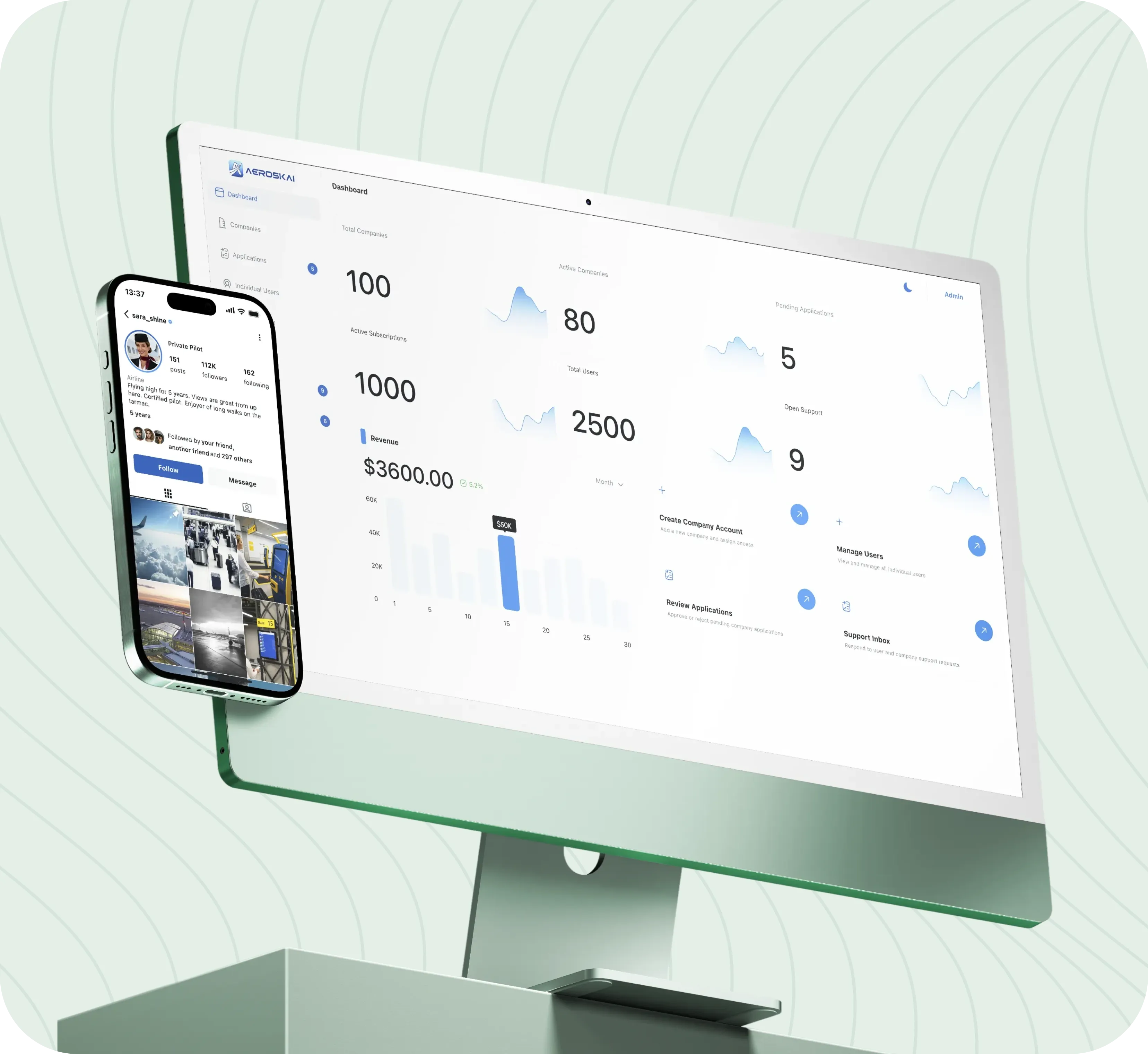
6 Phases of a Professional UI/UX Design Process
Here's the exact design process Abould follows for every SaaS product:
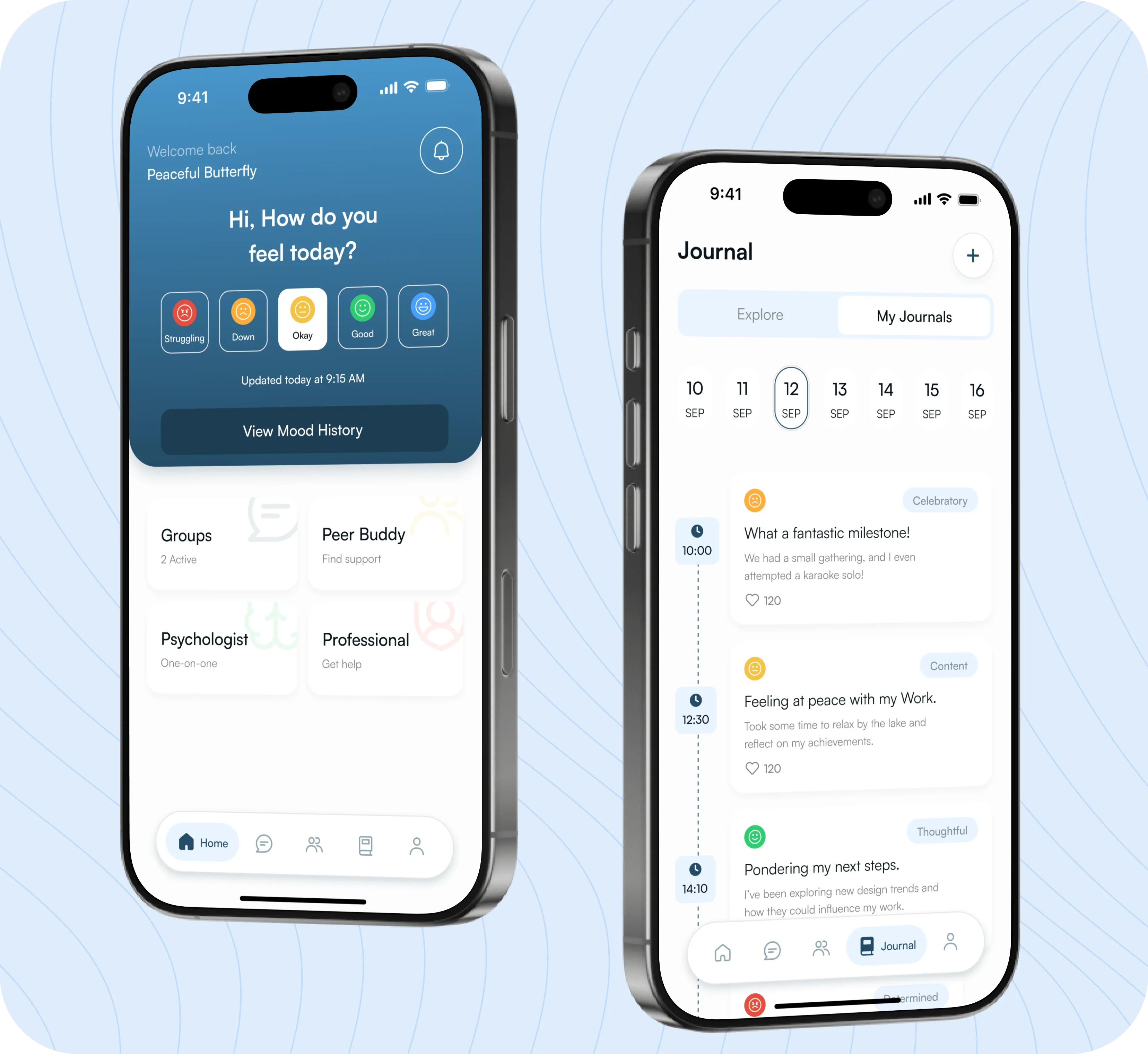
User Research & Competitive Analysis
Before designing anything, we study your target users (personas, pain points, workflows) and audit competitor products. This ensures every design decision is evidence-based, not assumption-based.
Information Architecture & User Flows
We map out the complete navigation structure, screen hierarchy, and user journeys. This is the blueprint — getting it right here prevents expensive redesigns later.
Low-Fidelity Wireframes
Rough wireframes focusing on layout, content hierarchy, and interaction patterns — without colors, fonts, or visual polish. We test these with stakeholders and users to validate the UX before investing in visual design.
High-Fidelity Visual Design
Once wireframes are approved, we create polished visual designs with your brand's color palette, typography, iconography, and micro-interactions. Every screen is pixel-perfect and responsive.
Interactive Prototyping & User Testing
We connect screens into clickable Figma prototypes with realistic transitions and animations. These prototypes are tested with 5-10 real users to identify UX friction points.
Design System & Developer Handoff
We build a reusable component library with design tokens (colors, spacing, typography), auto-layout components, and responsive variants. Developers receive organized Figma files with clear specs for implementation.
Essential Design Deliverables for SaaS Products
A complete SaaS design project should include all of these deliverables:
User Persona Documents
2-3 detailed user personas capturing demographics, goals, frustrations, and workflows. These guide every design decision throughout the project.
User Flow Diagrams
Visual maps of every critical user journey — from onboarding to daily usage to billing. Ensures no edge cases are missed.
Wireframe Kit (All Screens)
Low-fidelity wireframes for every screen and modal in the application, showing layout and content structure.
High-Fidelity UI Designs
Pixel-perfect Figma designs for all screens, including responsive variants (desktop, tablet, mobile) and dark mode if applicable.
Interactive Prototype
Clickable Figma prototype with realistic transitions, animations, and user flows. Can be shared with investors, stakeholders, and test users.
Design System & Component Library
Organized Figma library with reusable components, typography scale, color tokens, icon set, and spacing system. Ensures visual consistency across the entire product.
Missing any of these deliverables leads to inconsistency, developer confusion, and UI debt that compounds as the product grows.
DIY Design vs Freelance Designer vs Design Agency
Choosing the right design approach depends on your stage, budget, and product complexity:
| Factor | DIY (Founder/Dev) | Freelance Designer | Abould Design Studio |
|---|---|---|---|
| Design Quality | Usually poor (developer-designed UI) | Variable (depends on individual skill) | Consistently high (dedicated senior designers) |
| Design System Included | No — ad hoc styling | Rarely — usually just screen designs | Yes — full component library and tokens |
| User Research | Skipped | Sometimes — limited scope | Always — personas, flows, competitive audit |
| Responsive Design | Usually desktop-only | Sometimes includes mobile | Desktop + tablet + mobile for all screens |
| Cost | Free (time cost) | $1,000 – $5,000 | $2,000 – $15,000 (fixed milestone) |
For SaaS products, investing in professional design pays for itself through better user retention, higher conversion rates, and reduced development rework.
UI/UX Design Costs for SaaS Products (2026)
Realistic pricing for professional UI/UX design services in 2026:
| Project Type | Typical Range | Timeline | Key Inclusions |
|---|---|---|---|
| Landing Page / Marketing Site Design | $1,000 – $3,000 | 1–2 weeks | 3-5 page designs, responsive variants, design system basics |
| Simple SaaS Product Design (10-15 screens) | $2,000 – $5,000 | 2–3 weeks | Wireframes, high-fidelity designs, basic component library |
| Standard SaaS Design (20-30 screens) | $5,000 – $10,000 | 3–5 weeks | Full wireframes, UI designs, prototype, design system |
| Complex Enterprise SaaS (40+ screens) | $10,000 – $20,000 | 5–8 weeks | User research, full design system, interactive prototypes, responsive variants |
| Design System Only (No Screens) | $3,000 – $8,000 | 2–4 weeks | Component library, design tokens, documentation, usage guidelines |
All Abould design projects include user research, responsive design, interactive prototyping, and design system creation.
8 Common SaaS Design Mistakes
Avoid these design mistakes that kill SaaS conversion and retention:
Skipping the wireframing phase and going straight to high-fidelity design (expensive changes later).
Designing for desktop only — over 50% of SaaS onboarding happens on mobile devices.
Using default browser fonts and generic color palettes (looks cheap and unprofessional).
Overloading the dashboard with features instead of surfacing the 2-3 most important metrics.
Not designing the empty states — what does the user see before they have any data?
Inconsistent component styling across screens (no design system = visual chaos).
Ignoring accessibility (WCAG) — excluding 15% of potential users with disabilities.
Not testing the design with real users before development begins.
How Abould Approaches Product Design
Design at Abould isn't a service — it's the foundation of everything we build:
Design-First Development
Every project starts with design, not code. We don't touch a line of code until the UI/UX is approved, tested, and organized into a clean design system.
Dedicated Senior Designers
Your project gets a dedicated Lead Designer (not a junior intern). Our designers have 5+ years of SaaS product design experience and deep knowledge of conversion optimization.
Figma-Native Workflow
We design exclusively in Figma with auto-layout, component variants, and design tokens — ensuring perfect developer handoff with zero ambiguity.
Data-Informed Design Decisions
We use heatmaps, session recordings, and user testing data to inform design decisions — not just aesthetic preferences.
UI/UX Design FAQs for SaaS Products
Common questions about the UI/UX design process for SaaS products:
Q1Should I design before development or during?
Always before. Designing during development leads to expensive rework, inconsistent UI, and longer timelines. At Abould, design is completed and approved before development sprints begin.
Q2How many screens does a typical SaaS MVP need?
A typical SaaS MVP requires 15-25 screens including: login/signup, onboarding, main dashboard, core feature screens (3-5), settings, billing/subscription, and admin panel.
Q3Do I need a design system for my MVP?
Yes, even for an MVP. A basic design system (color tokens, typography scale, button styles, form components) takes 1-2 days to create and saves weeks of development time by ensuring consistency.
Q4What's the difference between wireframes and mockups?
Wireframes are low-fidelity sketches showing layout and content structure (no colors or images). Mockups are high-fidelity, pixel-perfect visual designs showing the final look. Both are essential — wireframes for UX validation, mockups for visual approval.
Q5Can you redesign my existing SaaS product?
Yes. We frequently redesign existing SaaS products to improve usability and conversion rates. Our process starts with a UX audit, identifies the highest-impact improvements, and delivers a phased redesign plan.
Q6How do you handle design feedback and revisions?
Each design milestone includes 2 rounds of revisions. We present designs in structured review sessions with clear annotation of changes. Major structural changes (new features or flows) are scoped separately.
Have a project idea or need a fixed-price MVP estimate?
Schedule a 20-minute product strategy call with our senior architects. We’ll review your technical scope, suggest optimized architecture, and provide a clear milestone quote.